
Veterinary
Gastroscope
Visual guidance for sampling and retrieval.
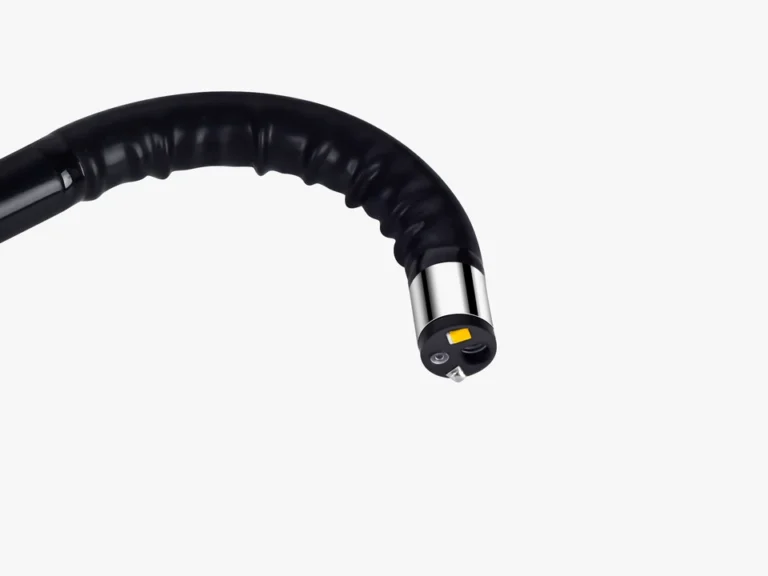
Four-way tip control helps position the view, while a 2.8 mm working channel accommodates compatible biopsy and grasping forceps. View images through a compatible USB-connected device.
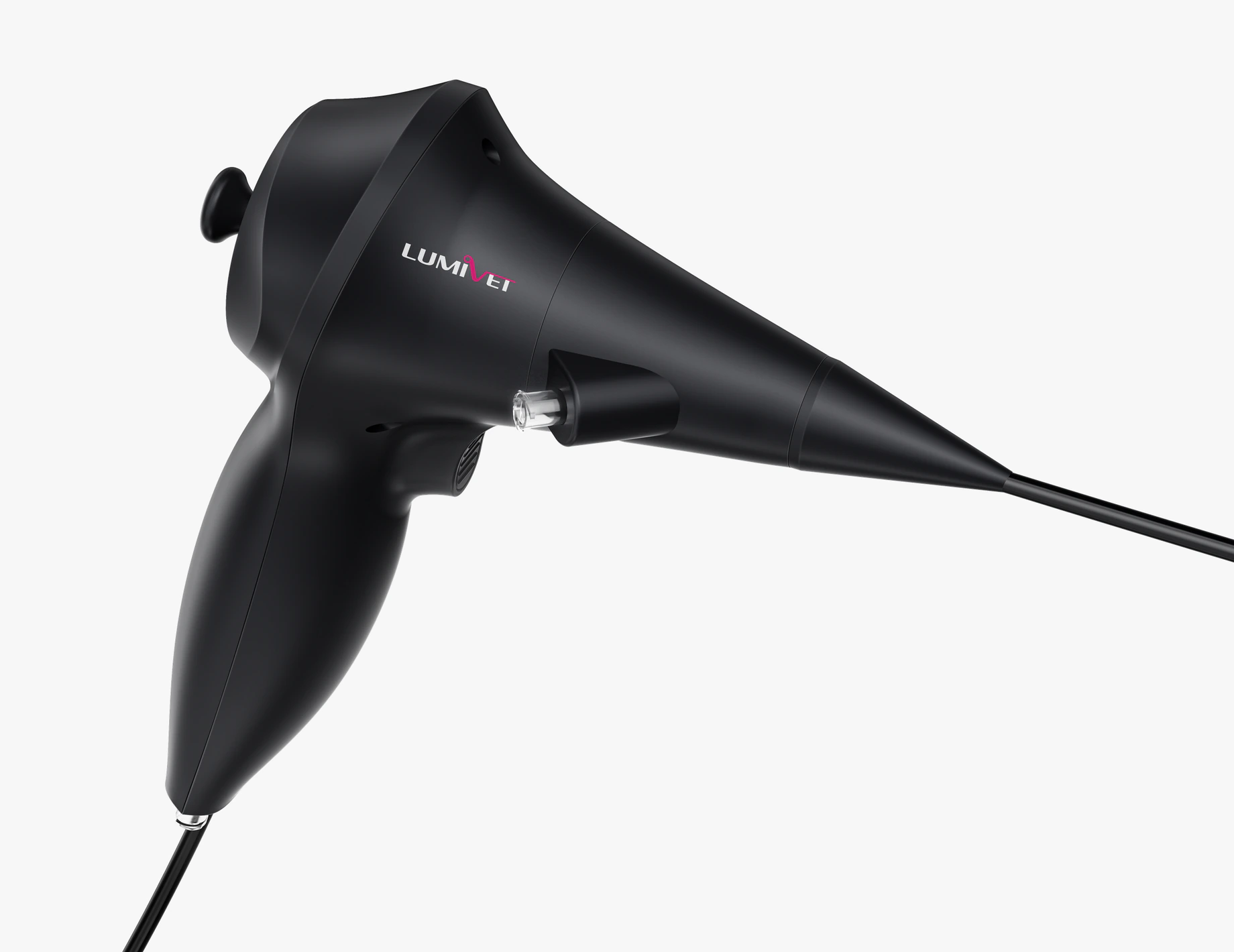
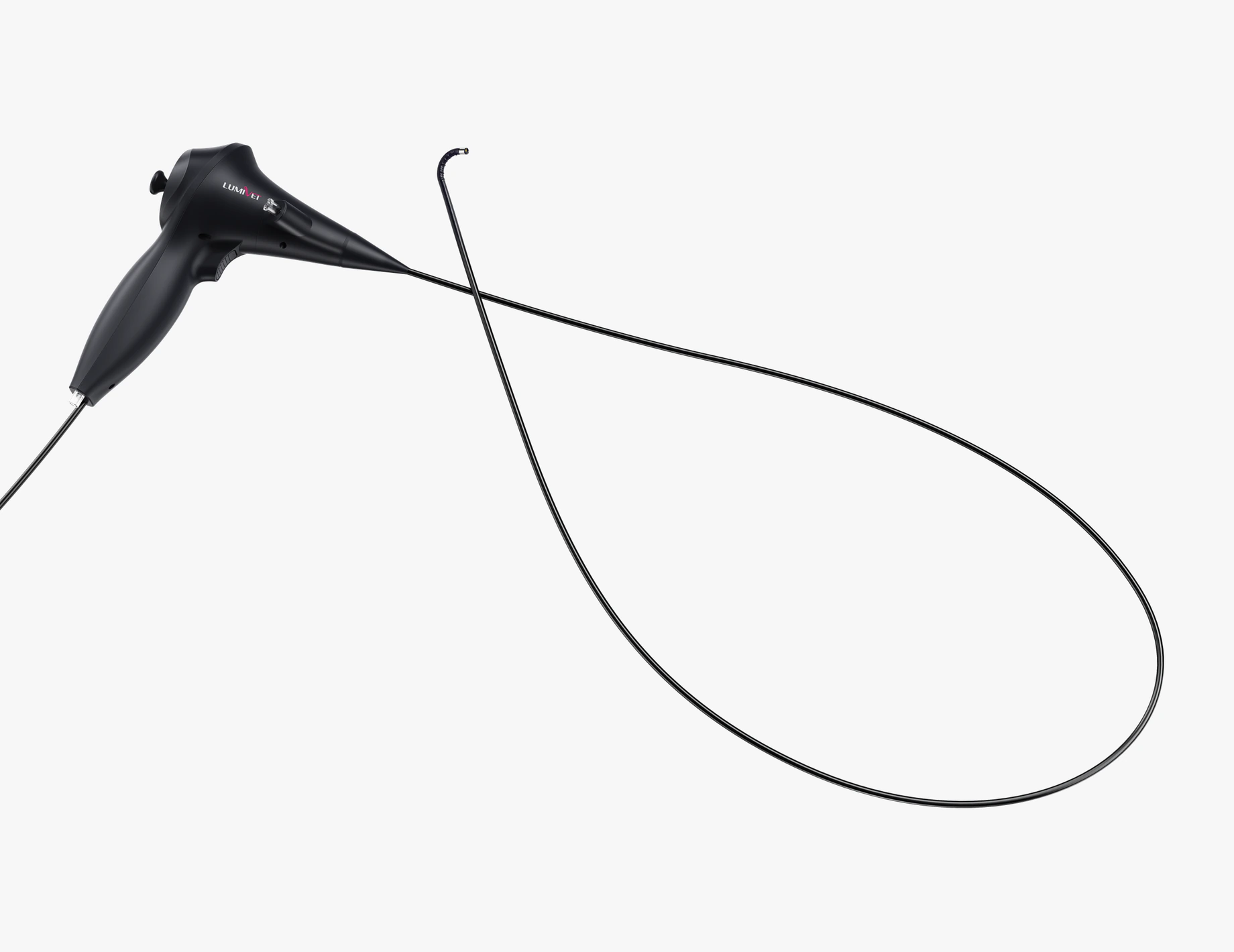
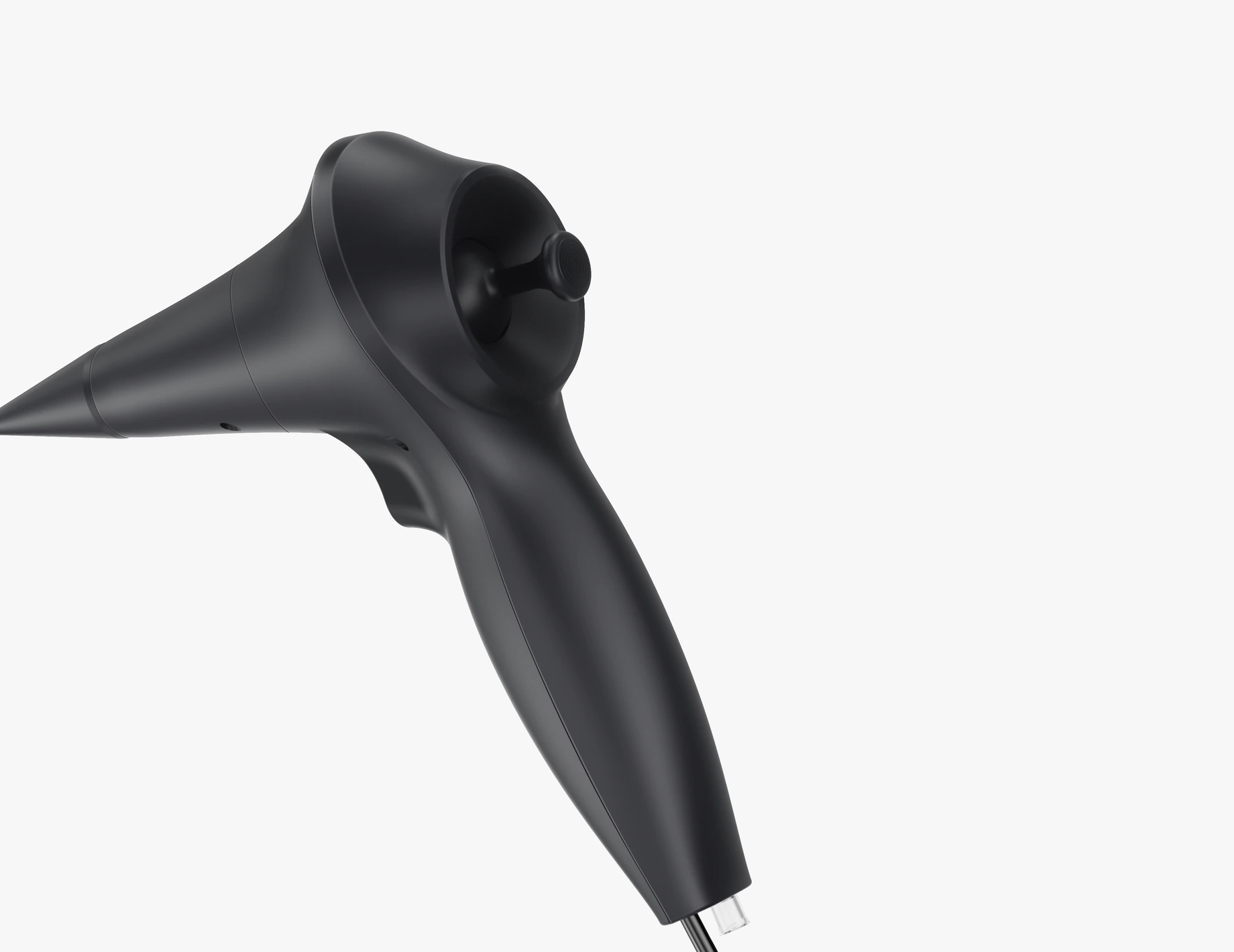

Position the view for instrument work.
Control the tip from the handpiece and view the examination on a compatible USB-connected device.
Scope and
instrument fit.
Review the insertion-tube diameter and working length alongside the channel size before selecting your setup.
7.0 mm insertion-tube OD
Check the insertion-tube diameter against the intended access requirements.
2.8 mm working channel
Select instruments with compatible diameter and working length.
1,200 mm working length
Check the working length against the intended examination.
Four-way tip control
Up, down, left and right, with 130° angulation in each direction.
| Insertion-tube outer diameter | 7.0 mm |
|---|---|
| Working length | 1,200 mm |
| Instrument-channel inner diameter | 2.8 mm |
| Water/air-channel inner diameter | 1.0 mm |
| Tip control | Four-way: up, down, left and right; 130° in each direction |
| Camera sensor | CMOS, 1 megapixel |
| Illumination | LED |
| Field of view | 120° |
| Depth of field | 3–100 mm |
| Image output | USB to a compatible viewing device |
Four-way control, instrument access and USB viewing.
The working channel provides instrument access. Tip control, USB viewing and still-image capture support observation and documentation.
Sample and retrieve under endoscopic view.
Pass compatible biopsy or grasping forceps through the 2.8 mm channel for sampling or retrieval while observing through the scope.
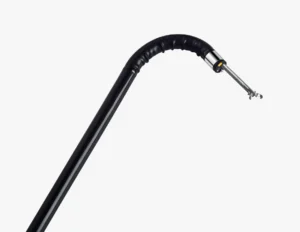
Bring the area of interest into view.
Adjust the tip up, down, left and right from the handheld control, with 130° angulation in each direction.
USB viewing on a compatible device.
Connect by USB to a compatible Windows, Android or macOS device using the required viewing software.
Keep still images for later review.
Capture still images during the examination for later review. White balance can be adjusted; CMOS imaging and LED illumination provide the view.
Images illustrate the scope and instrument arrangement; instruments shown do not define the supplied kit.

Build your gastroscope setup.
Select the viewing device, instruments and optional pump around your examination requirements.
Viewing device and software
Confirm the device, required viewing software and connection accessories as a matched setup.
Instruments and optional pump
Match forceps to the channel and working length. The scope has a separate 1.0 mm water/air channel; an irrigation and suction pump is optional.
Your quotation will list the supplied items. Device compatibility, matched accessories and optional equipment are confirmed for the selected configuration.
Care and support.
The insertion tube is rated IPX7. Follow the product instructions for cleaning, permitted immersion limits and disinfection. A one-year warranty is available under the applicable sales terms.
Patient suitability and intended access should be assessed against the scope dimensions, examination requirements and applicable instructions.