

General Practice & Point-of-Care
Focused visualization for everyday decisions.
Bring selected endoscopic examinations into your general-practice workflow, with the scope, display and instruments matched to the work your team plans to perform.
For a range of compatible rigid and flexible scopes, review E-Pocket. For a system centred on ear visualization, review the Video Otoscope. Each has its own scope and accessory configurations.
Start with the viewing area, animal size and any need for instrument access.
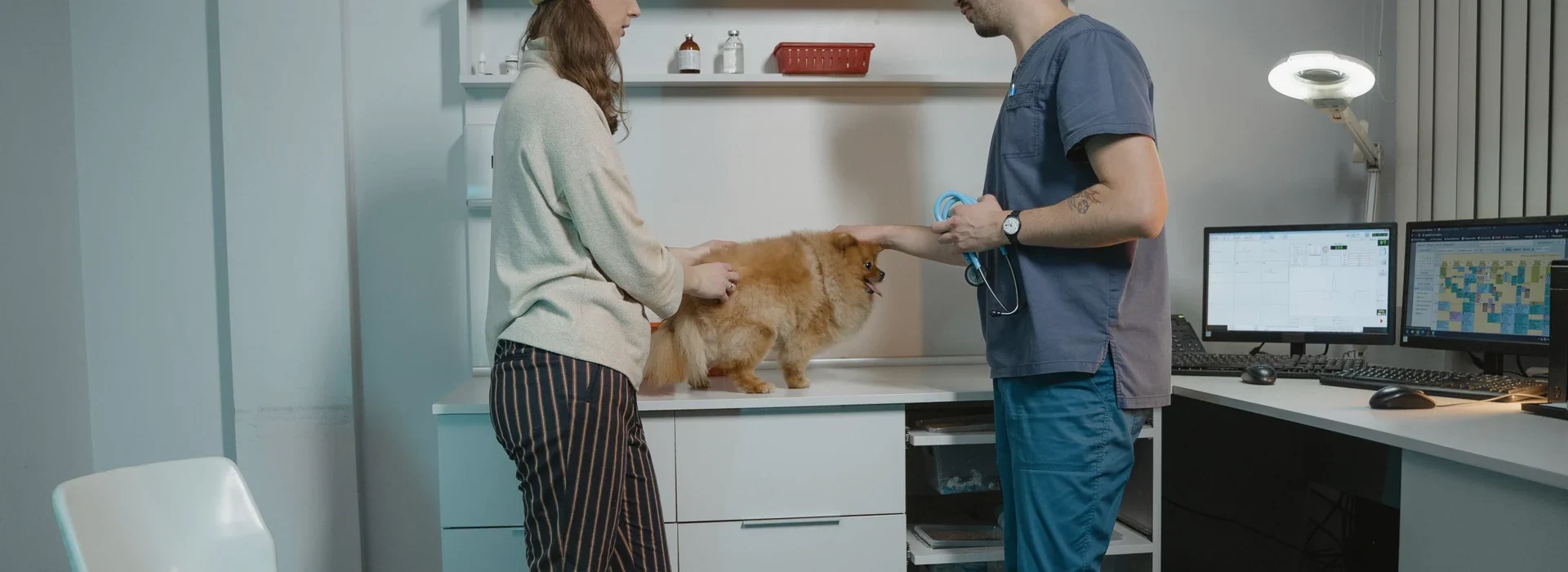
Two handheld options.
Choose by examination needs.
E-Pocket: multi-scope platform
Select rigid or flexible scopes
Select compatible rigid or flexible scopes for the planned examinations. Match the diameter, working length and viewing direction to the intended access.
Retain the handheld display
Use the same handheld display, image controls and recording functions when switching between compatible scopes.
Plan the complete configuration
Match the selected scope with any required adapter, sheath and instruments. Required accessories depend on the scope and examination.
Video Otoscope: ear-focused viewing
Observe the ear on screen
View ear images directly on the built-in handheld screen. Match the probe to the intended viewing area and access conditions.
Capture findings for review
Freeze the image, take photographs or record video to review findings and discuss them with the animal owner or another team member.
Add matched instrument access
Instrument-assisted configurations use a matched external channel. Check the probe, channel and instrument combination for the intended task.
What defines the point-of-care setup?
Examination area
Identify the anatomy, species and patient size before choosing the scope.
Access dimensions
Check diameter, working length and viewing direction against the intended access.
Instrument access
Match any channel, instruments and connection accessories to the planned task.
Handling and records
Plan charging and image review; follow the handling and cleaning instructions for each component.

Start with the examination.
Then choose the setup.
Compare the handheld options below against your planned examinations. Review scope choices, instrument access and recording functions, or explore the wider product range if your setup needs something different.
Relevant products.
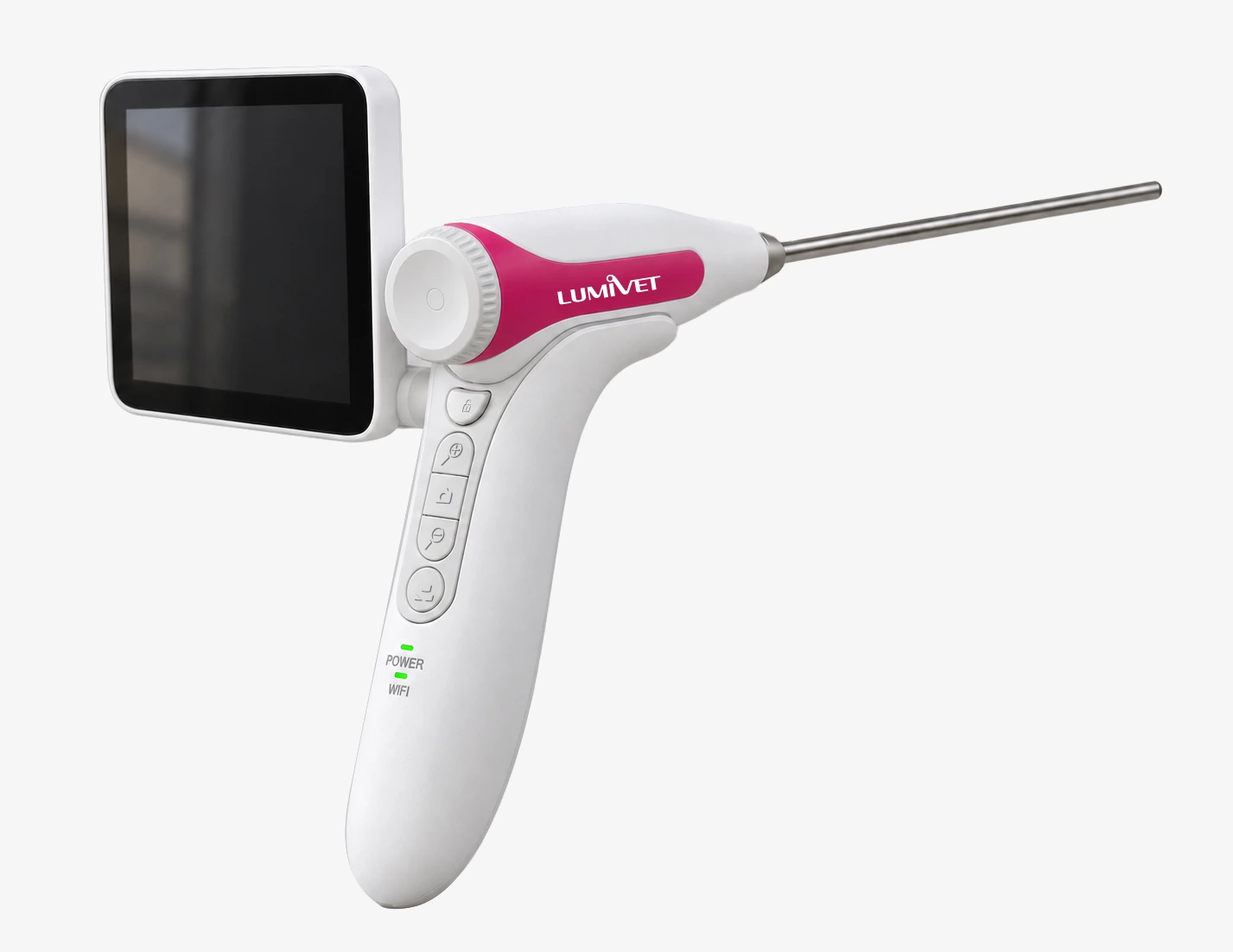
E-Pocket All-in-One Endoscope
For practices that want compatible rigid and flexible scope options on one handheld platform, with viewing, image controls and recording built in.

Veterinary Video Otoscope
For ear-focused viewing with a built-in screen and photo/video recording. Use a matched external channel with compatible instruments.
Frequently asked
questions.
Which option fits my planned examinations?
Review E-Pocket when you need compatible rigid and flexible scope options on one handheld platform. If ear visualization is the main focus, review the Video Otoscope configuration. Choose the scope or probe for the intended viewing area and access conditions.
Do I need a separate display?
Both handheld units have built-in screens for basic viewing. For external viewing or file transfer, check the interface and device requirements of the selected product. A built-in screen does not by itself provide a complete case-management system.
What should I check before using instruments?
Check the selected scope or probe, channel dimensions and compatible instruments. Video Otoscope instrument-assisted setups use a matched external channel. The required scopes, adapters and accessories depend on the agreed configuration.