

Veterinary Flexible
Rhinolaryngoscope
Up and down tip control. With or without an instrument channel.
Adjust the tip up and down to change the viewing direction during an examination. Choose a model with or without an instrument channel, based on insertion dimensions, image specifications and the instruments you plan to use.
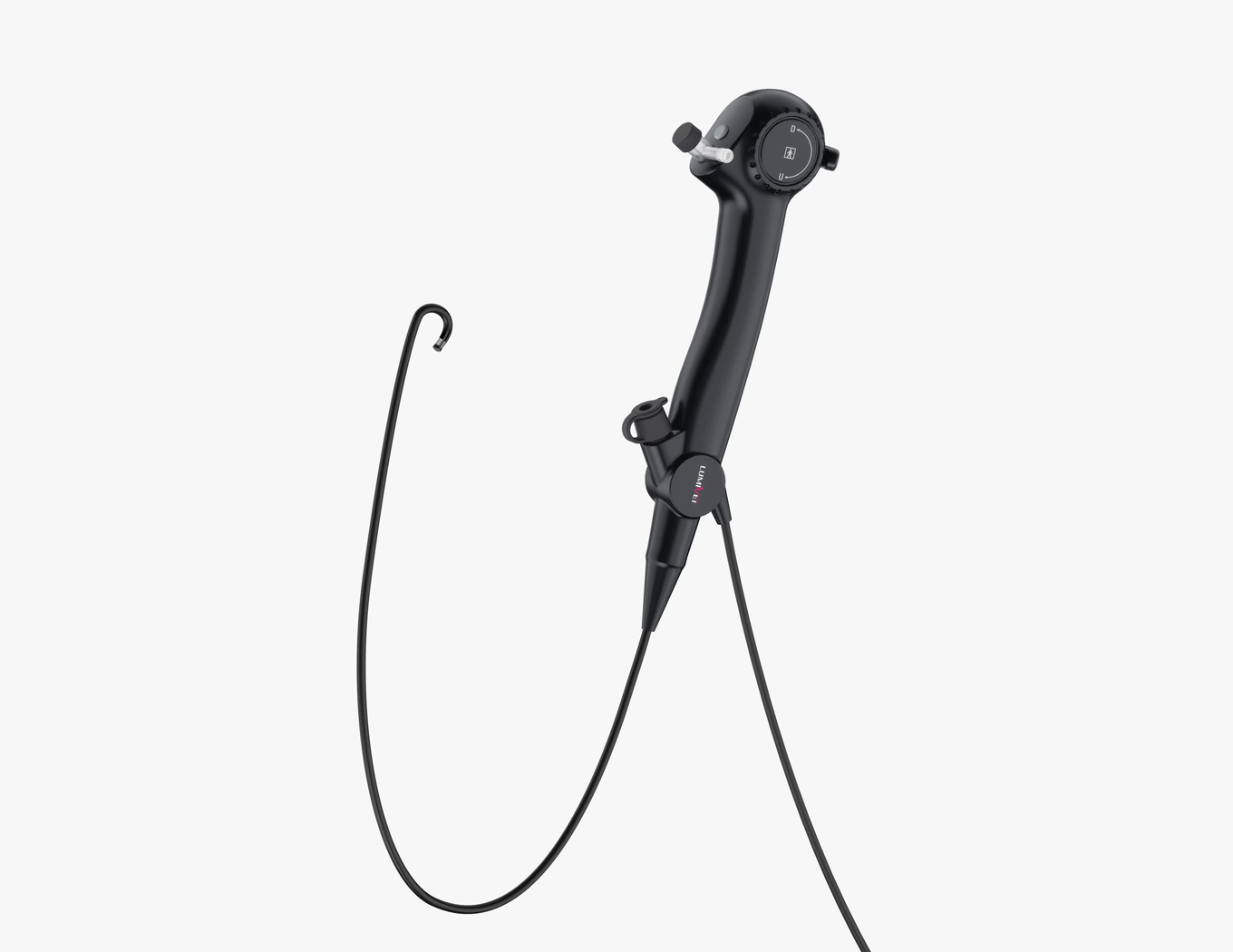
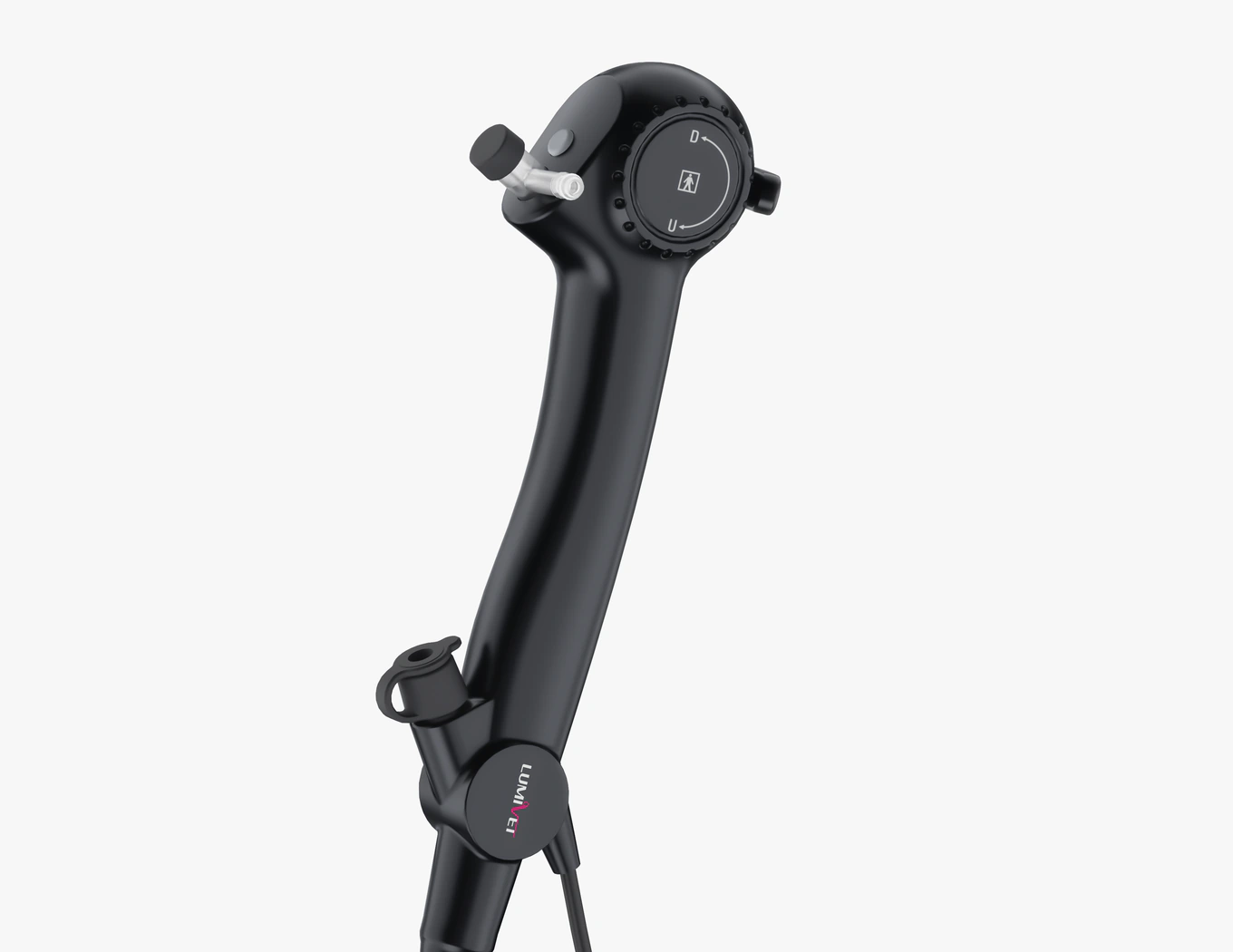
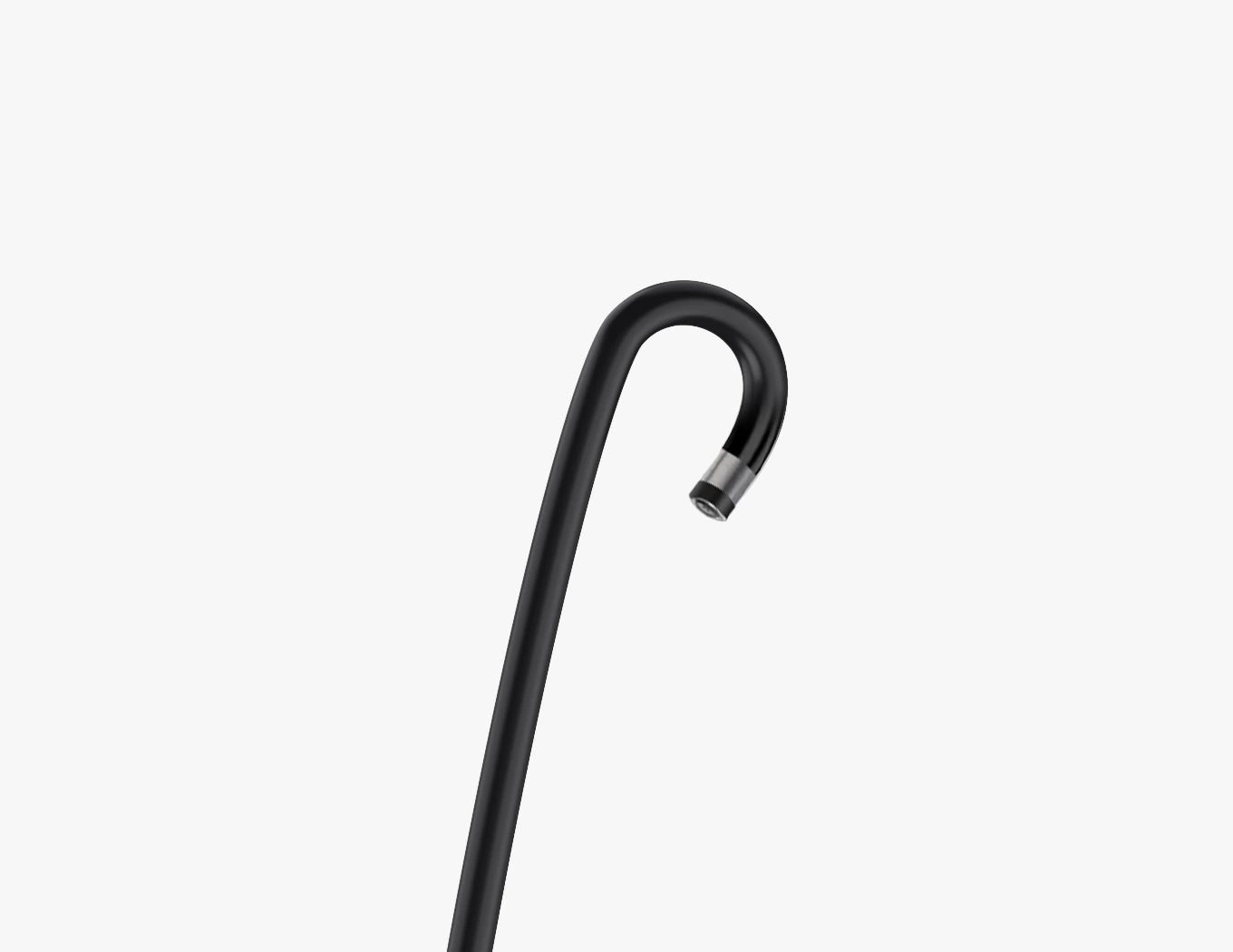
Representative flexible-scope views. Appearance and specifications depend on the selected model.
Choose a scope for the examination.
For observation without an instrument channel.
For examinations that do not require instruments to pass through the scope, choose RL-BS008 or RL-BS011. The two models offer different combinations of insertion dimensions and image resolution.
- RL-BS008: An observation option when insertion size is a priority. Maximum insertion section width of 3.2 mm, with 400 × 400 image resolution.
- RL-BS011: 1280 × 720 imaging for observation. Maximum insertion section width of 3.7 mm.
Instrument access under endoscopic view.
When you need to use compatible instruments under endoscopic view, choose RL-BS010 or RL-BS009. They offer 1.2 mm and 2.0 mm instrument channels respectively. Consider both the instrument size and the scope's insertion dimensions when selecting a model.
- RL-BS010: 1.2 mm instrument channel. Insertion tube outer diameter of 2.8 mm; maximum insertion section width of 4.0 mm.
- RL-BS009: 2.0 mm instrument channel. Insertion tube outer diameter of 3.8 mm; maximum insertion section width of 4.2 mm.
Confirm compatible instruments and the supplied configuration for the selected model.
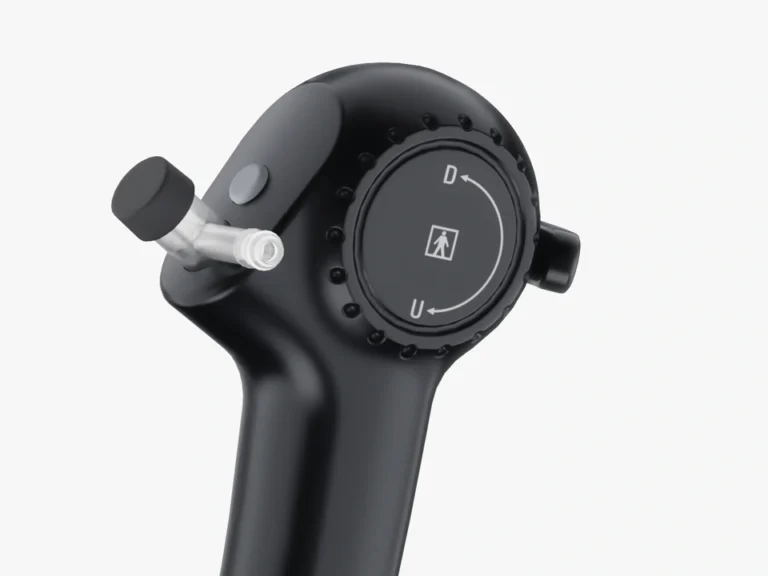
Change the viewing direction with tip control.
Use the handle to adjust the tip up to 130° upward or 130° downward, changing its viewing direction during the examination.
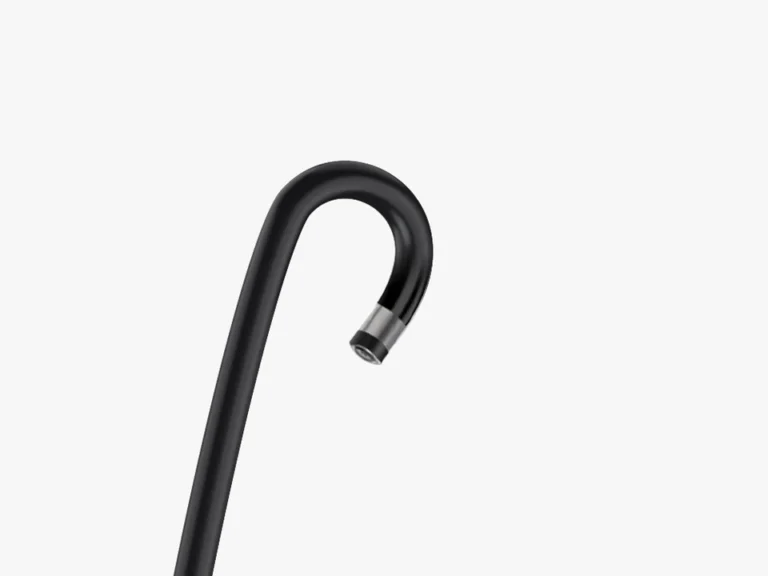
View the examination on a compatible device.
Connect by USB to a compatible Windows or Android device using the required viewing software and connection accessories.
Keep examination records for review and discussion.
Use the viewing software’s recording functions for case documentation, follow-up comparisons, referral discussions and teaching.
Recording and file-saving options depend on the viewing software.
Compare the four models.
Model differences
Swipe horizontally to compare all four models.
| Specification | RL-BS008 | RL-BS011 | RL-BS010 | RL-BS009 |
|---|---|---|---|---|
| Instrument channel | No | No | Yes | Yes |
| Insertion tube outer diameter | 2.8 mm | 3.4 mm | 2.8 mm | 3.8 mm |
| Maximum insertion section width | 3.2 mm | 3.7 mm | 4.0 mm | 4.2 mm |
| Distal end outer diameter | 3.0 mm | 3.5 mm | 3.0 mm | 3.2 mm |
| Instrument channel inner diameter | — | — | 1.2 mm | 2.0 mm |
| Image resolution | 400 × 400 pixels | 1280 × 720 pixels | 400 × 400 pixels | 400 × 400 pixels |
Insertion tube outer diameter and maximum insertion section width are different measurements. Assess the full specifications against the intended access requirements. Image resolution refers to each scope model, not the screen resolution of the display device.
Shared specifications and display setup
| Item | Specification or setup requirement |
|---|---|
| Working length | 330 mm |
| Tip angulation | Up 130°; down 130° |
| Field of view | 120° |
| Depth of field | 3–50 mm |
| Output | USB |
| Display setup | Compatible Windows or Android device with the appropriate software and connection accessories |
Confirm your scope and configuration.
Tell us the animal type and area you intend to examine, whether you need an instrument channel, and the display device you plan to use. These details help us review the scope model, compatible instruments and display setup with you.
If you already have a model in mind, send the model number and configuration requirements.