

Specialty & Referral
Endoscopy configured
for your service.
Plan veterinary endoscopy around the examinations your specialty or referral team intends to offer. Start with the examination site, patient size and access route, then select the scope and compatible instruments.
Viewing connections and recording options differ between products. Review the selected scope alongside your existing imaging equipment, display and documentation needs.
Share your planned examinations and current equipment models.
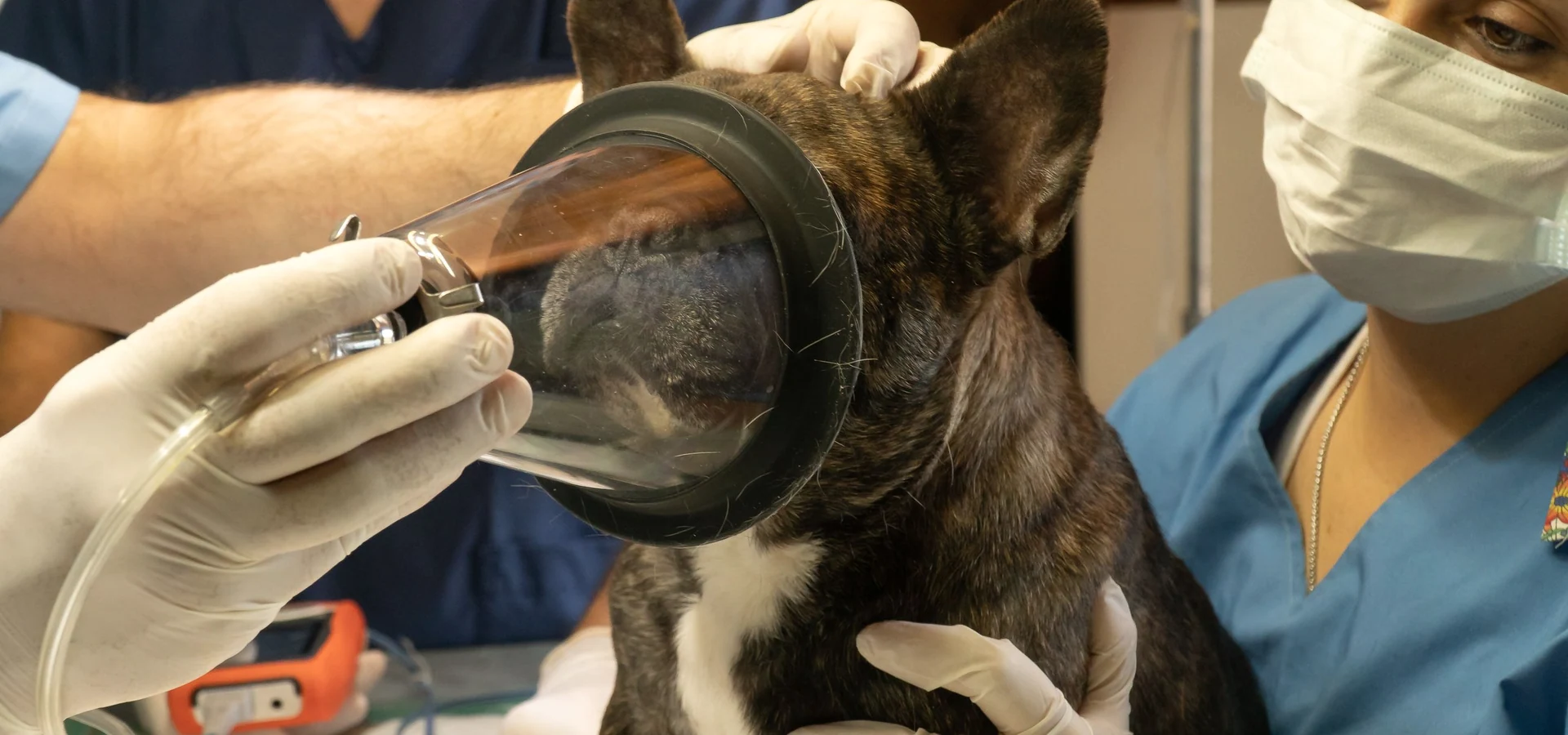
Match the scope and instruments
to the examination.
Flexible endoscopy
Scope dimensions
For gastrointestinal or airway viewing, compare scope diameter, working length and tip control against the intended access route and animal size.
Instrument access
The gastroscope has a 2.8 mm working channel. Match biopsy or grasping forceps by outer diameter and working length; other scopes may have smaller channels or no channel.
Viewing connection
The gastroscope connects by USB with compatible viewing software. Other scopes may require a compatible image processor and display. Check the selected model.
Rigid endoscopy
Examination and access
For abdominal visualization, review the rigid laparoscope’s diameter, working length and viewing direction against the planned access.
Instruments and accessories
The laparoscope has a 2.2 mm instrument channel. Match compatible instruments, access devices and seals to the selected scope and examination.
Supporting equipment
Confirm the imaging equipment and any additional devices required for the planned examination. Scope, instrument and accessory supply is defined by the agreed configuration.
What defines
your setup?
Scope access
Match dimensions to the planned access route.
Tools
Check channel size and instrument working length.
Viewing
Confirm the scope’s output and compatible equipment.
Records
Plan image capture, review and reporting needs.
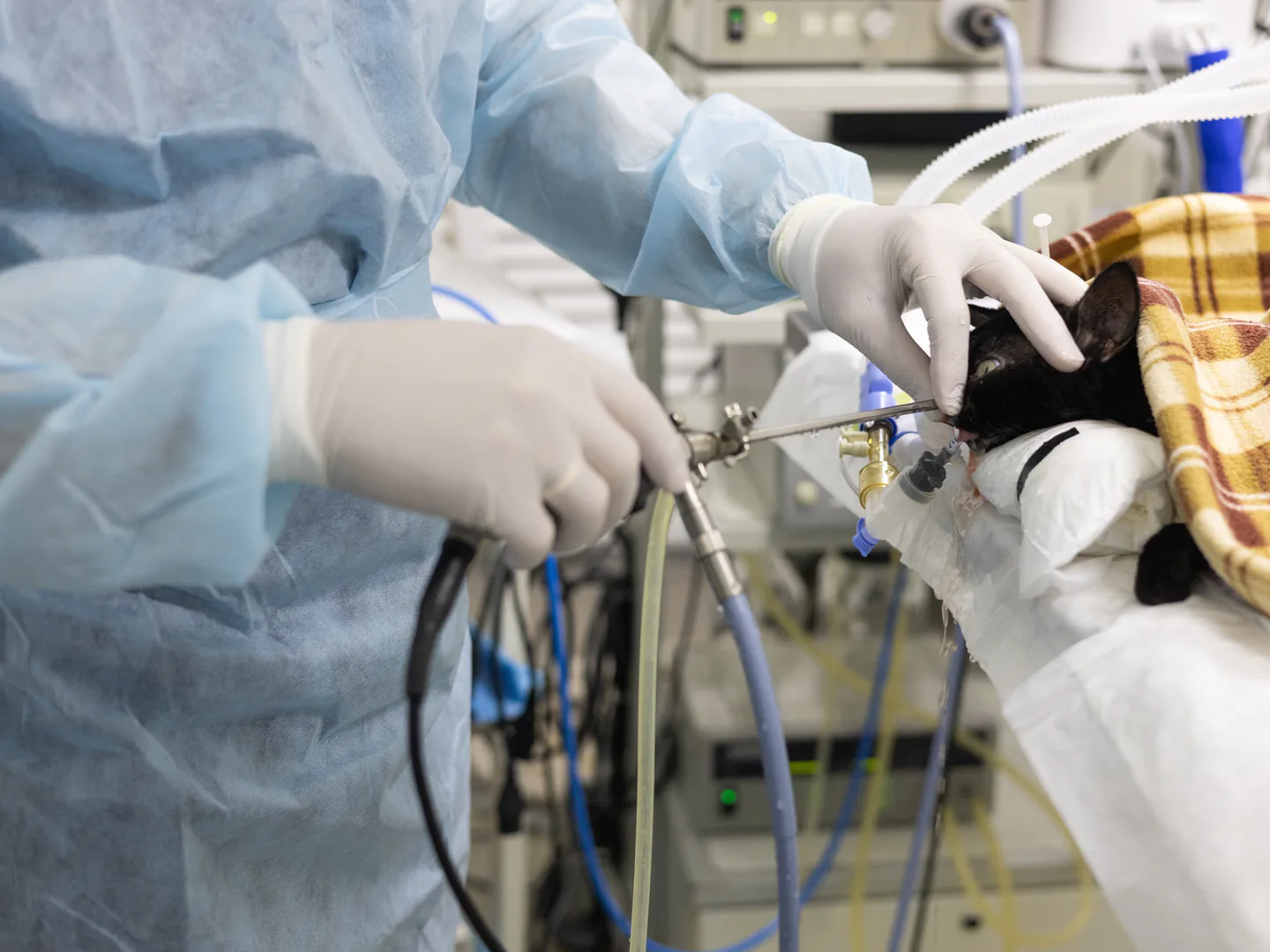
Configure the setup
around the examination.
Start with the examination site, animal size and planned instrument tasks. Then match the scope dimensions, working channel and compatible instruments.
Confirm the scope’s viewing connection with your existing imaging equipment. Add recording, reporting or room-support components where required, and confirm the final supplied configuration.
Relevant products.
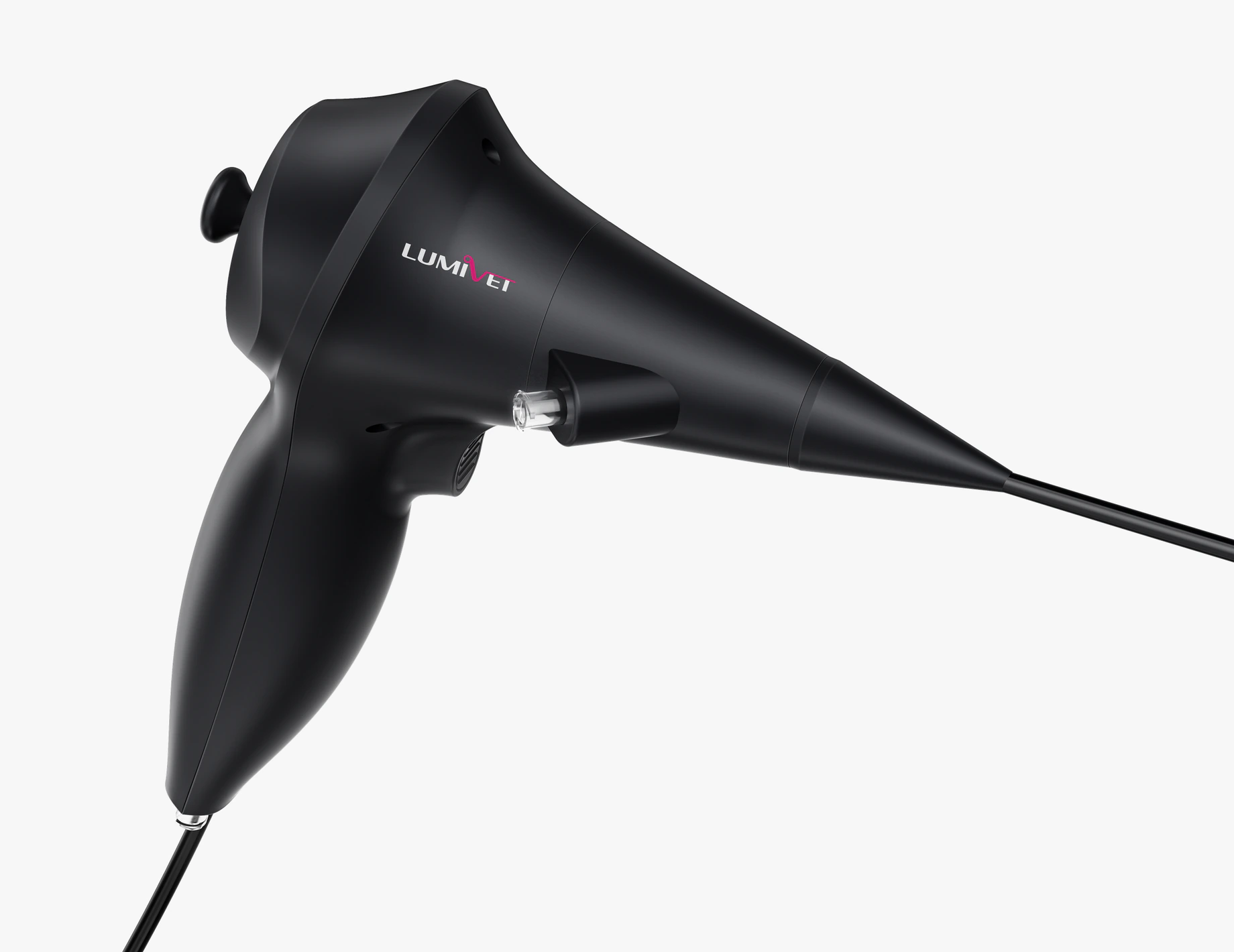
Veterinary Gastroscope
Four-way tip control and a 2.8 mm working channel for gastrointestinal viewing with compatible sampling or retrieval instruments.
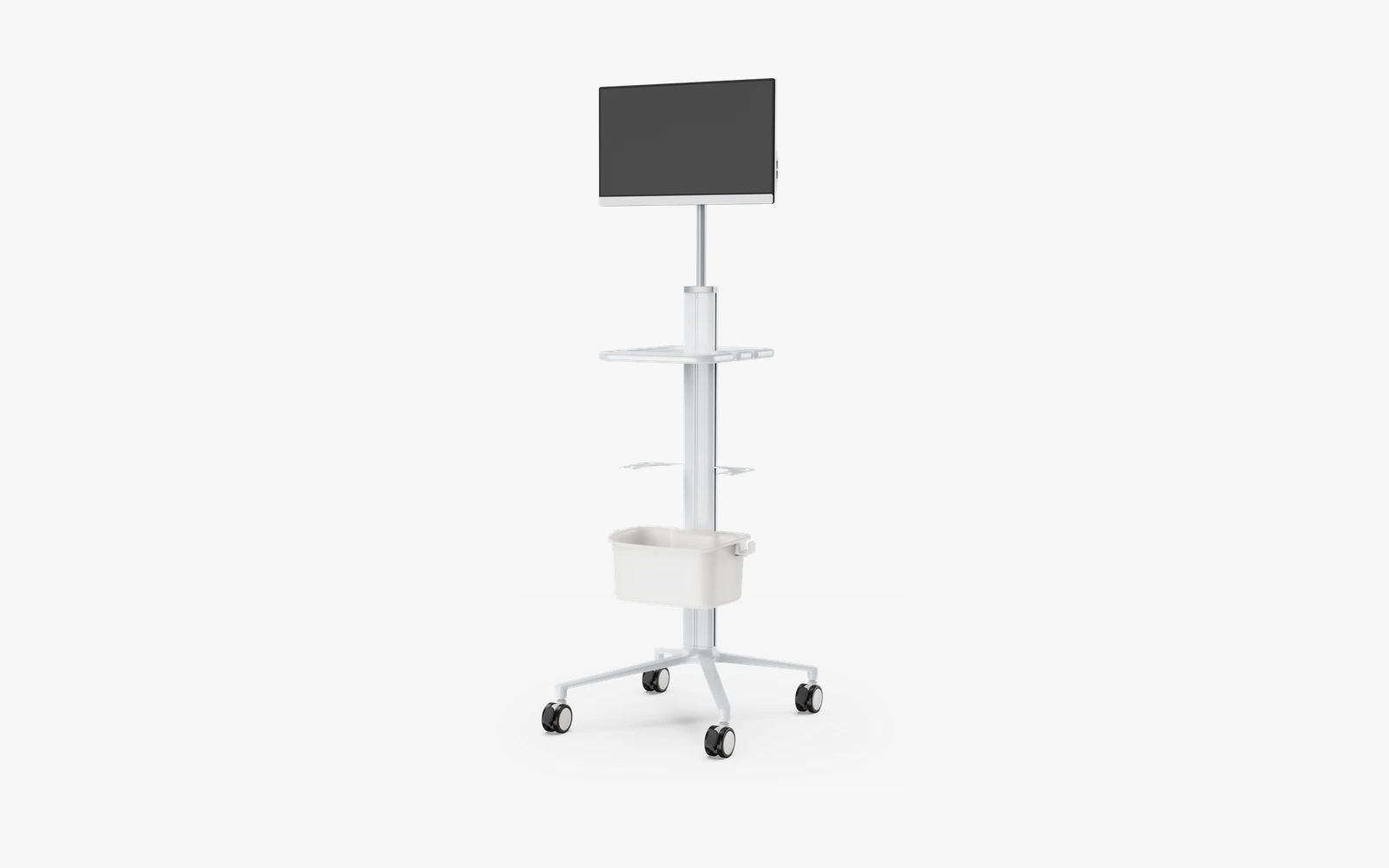
Veterinary Endoscopy Workstation
24-inch touch display, image/video capture, case management and reporting. Supporting components are selected separately.